Scaling Google Ads into New European Markets: Feeds, Currencies and CSS

Expanding your ecom store into a new European country? Why copy-pasting Google Ads fails, and what to set up per market: feed, currency, VAT and CSS.
Your store is doing well in one country. The next logical step feels obvious: open a second market, duplicate the Google Ads account, translate the ads, and watch the revenue double.
It rarely goes that way. The new market underperforms, the numbers get blended with your home market, and suddenly it is hard to tell whether anything is working.
Expanding into a new European market is not a copy-paste job. Here is how we approach it.
First: is your home market ready?
New markets are the last stage of our Scaling Framework, not the first. Before you expand, your primary market should be stable: tracking you trust, profitable Search and Shopping, and ideally more than one channel adding sales.
If your home market is still stabilising, a new country does not fix that. It doubles the problem and splits your attention.
Treat every new market as a new account
This is the most important rule. A new market starts at the beginning, at Stage 0 or 1, even if your home market is far more advanced.
Why? Because almost everything that made your home market work has to be proven again:
- Different demand - search volume, competitors and price expectations change per country
- Different economics - shipping, returns and VAT change your margin
- Different trust signals - reviews and store ratings do not automatically carry over
You replicate what worked. You do not assume it works.
Your break-even changes per country
Your break-even ROAS depends on your effective margin, and that margin changes the moment you cross a border.
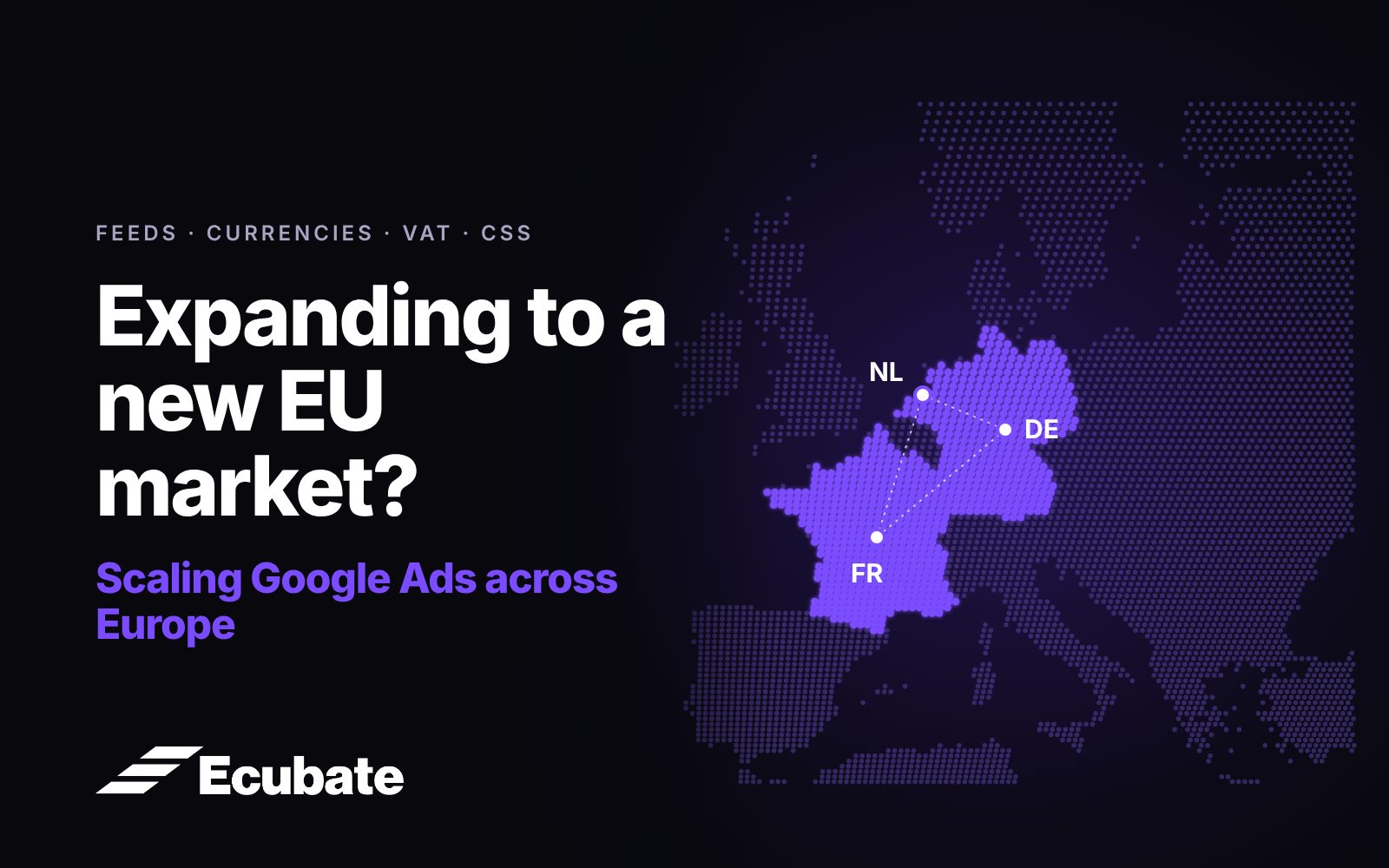
- VAT rates differ. The Netherlands is 21%, Germany 19%, France 20%. If your tracked revenue includes VAT, your break-even target shifts per country.
- Shipping costs more. Cross-border delivery is usually more expensive than domestic.
- Return rates can be different. The same product can come back more often in one country than another.
So each market needs its own break-even ROAS, calculated on its own numbers. Using your home market's target in a new country is one of the fastest ways to lose money without noticing.
Build the feed for the market, not just the language
Your product feed is what Google Shopping and Performance Max run on. For a new market, translating titles is only the start. Per country, you need:
- Titles and descriptions in the local language, written the way local shoppers search, not just translated word for word
- Prices in the local currency, so shoppers see what they will actually pay
- Shipping information for that country
- A local return policy and business information in Merchant Center
- Product categories and attributes filled in completely
We manage this in a feed tool like Channable, so each market gets its own optimised version of the feed from the same product data.
Start collecting reviews from day one
Ratings in Google Shopping build trust and clicks, but they take time. Google needs a minimum number of reviews before product ratings and store ratings show.
If you wait until the new market is "up and running" to start collecting reviews, you lose months. Start post-purchase review requests in the new market from the first order.
What CSS is, and why it matters in Europe
In the EU, you do not have to run Shopping ads through Google Shopping itself. You can run them through a Comparison Shopping Service (CSS) partner instead.
For the shopper, almost nothing changes. Your ads show in the same Shopping results, with the CSS named on the ad. For you, it can mean lower Shopping CPCs than running through Google's own CSS, and that difference adds up across several markets.
Running Merchant Center through a CSS partner is part of how we set up every account. Before you open a new market, check that your CSS covers that country.
Measure every market on its own
The last trap is reporting. When markets are blended together, a strong home market hides a weak new one, and you end up funding the new market's losses without seeing it.
Report every market separately: spend, revenue, ROAS against that market's own break-even, and new customers. Give a new market time to collect data before judging it, but judge it on its own numbers.
Before you expand, get a second opinion
Opening a new market is one of the biggest growth moves an ecommerce brand can make, and one of the easiest to get wrong.
Our free Strategic Google Audit looks at whether your home market is ready to expand, and what your account needs to set up for the next country.
Book your free Strategic Google Audit